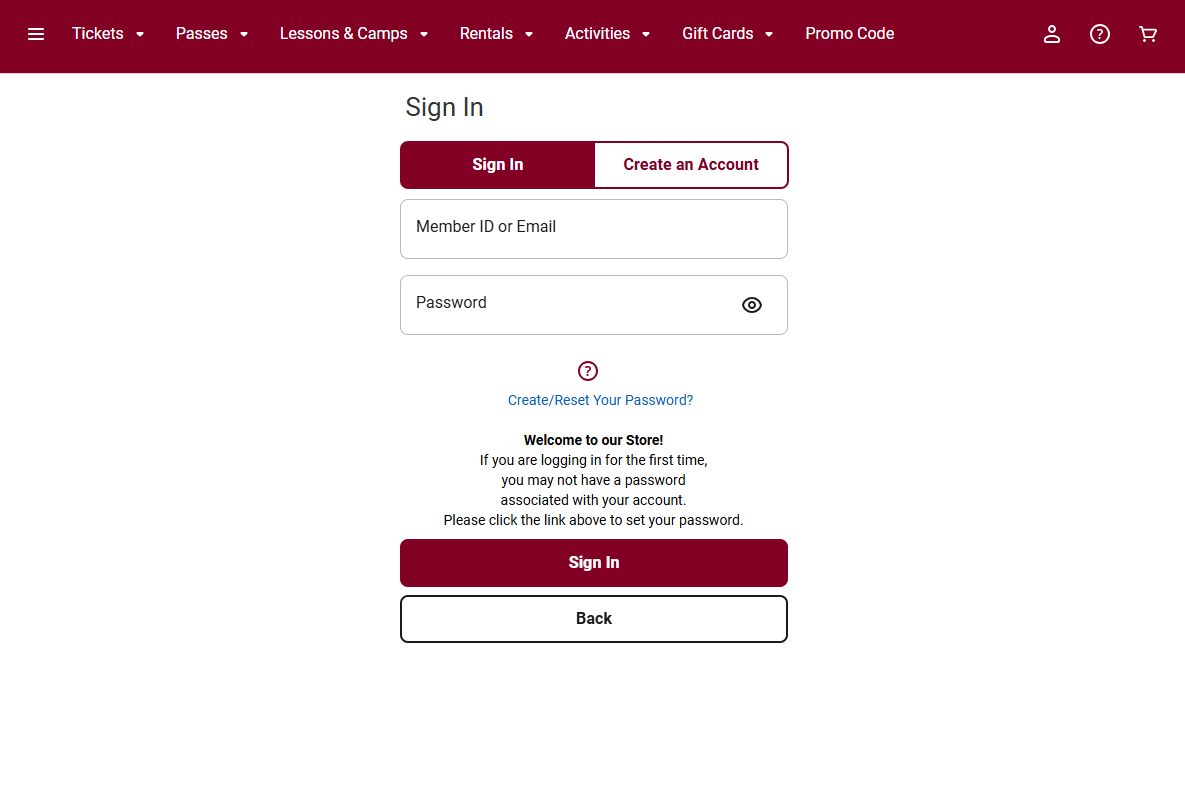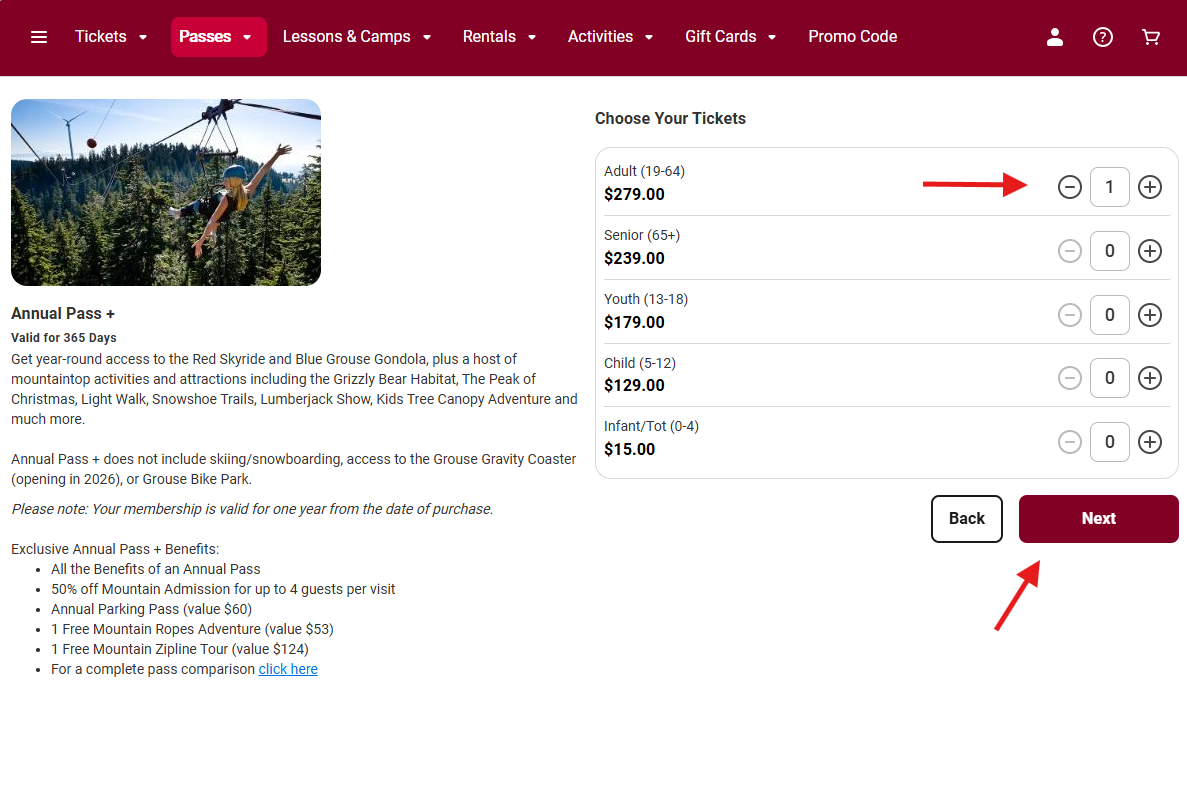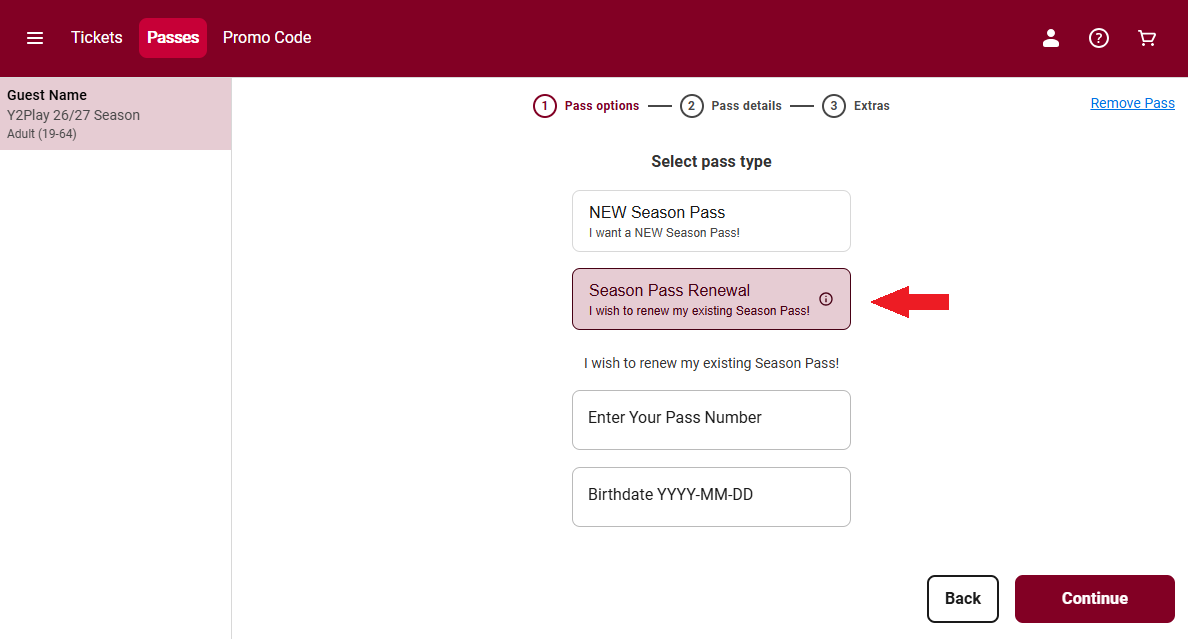

renew your pass through the Grouse Mountain online store
Note: Exclusive renewal pricing for Y2Play Centennial Pass is available to current 2025/26 Y2Play, Early Bird, and Full Winter Season Passholders.
Get Y2Play Renewal Offer
Renewing Online Means:
- No visit to Guest Services
- No waiting in line
- Continue using your current pass
- Access to our 4-payment plan
This renewal process applies to Y2Play, Annual Pass, Annual Pass+, Early Bird, Winter Pass, and other eligible pass types.
Before You Begin:
To renew your pass, you will need:
- Your pass number
- The birth date associated with the pass
- A form of payment
How to Find Your Pass Number:
You can locate your pass number in one of three ways:
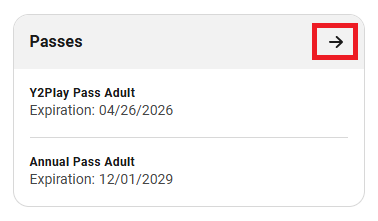
1. In Your Online Store Account
- Sign in to your account in the Grouse Mountain online store.
- On your dashboard, locate the Passes section.
- Click the arrow in the top right corner of the Passes box.
- Your pass number will be displayed with your pass details.
2. In Your Digital Wallet
If your pass is saved in Apple Wallet or Google Wallet:
- Open your digital pass.
- Tap the information icon.
- Your pass number will appear in the details section.
3. On Your Physical Pass
Your pass number is printed on the front or back of your card.
It is the number that follows the letter “P”.